 clubstats.cricket
1
Open the club portal in Safari
Start from the public ClubStats portal for the club you want to save. Use Safari on iPhone for the most reliable Home Screen install flow.
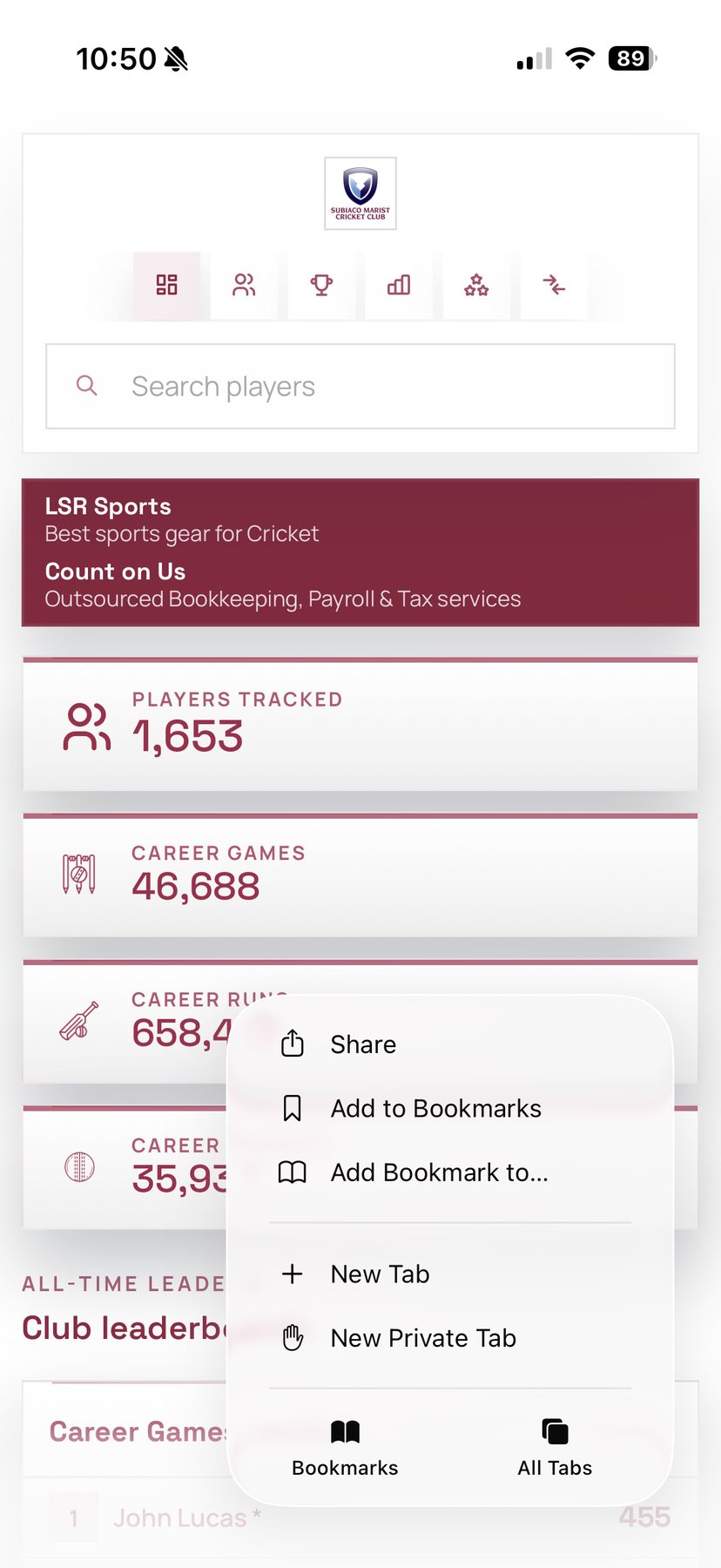
Every ClubStats public club portal can be saved to an iPhone Home Screen from Safari. It gives players, members and supporters one-tap access to your club dashboard, player search, leaderboards, honour boards, season records and milestones.
There is no App Store download and no extra account required for public pages. Open the club portal in Safari, tap Share, choose Add to Home Screen, keep Open as Web App enabled, and tap Add.
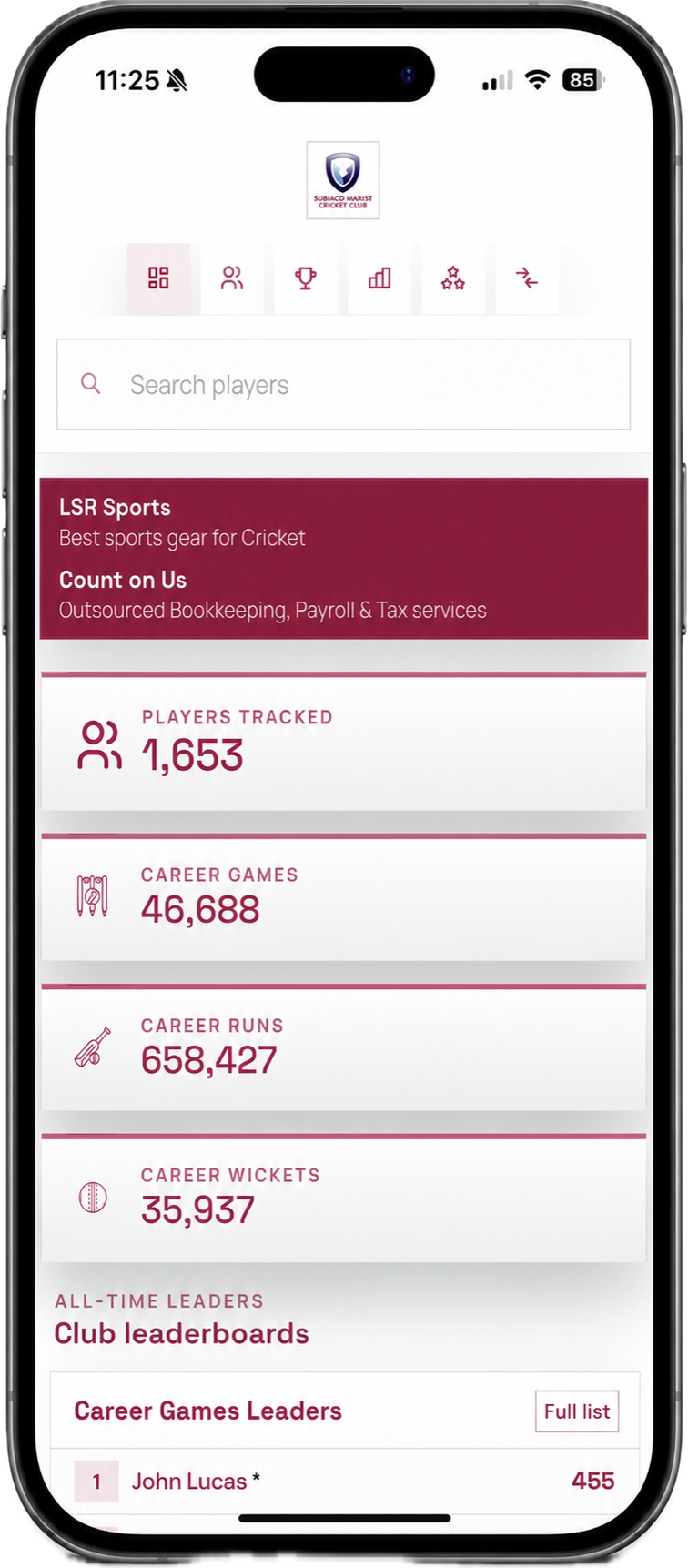
Start from the public ClubStats portal for the club you want to save. Use Safari on iPhone for the most reliable Home Screen install flow.
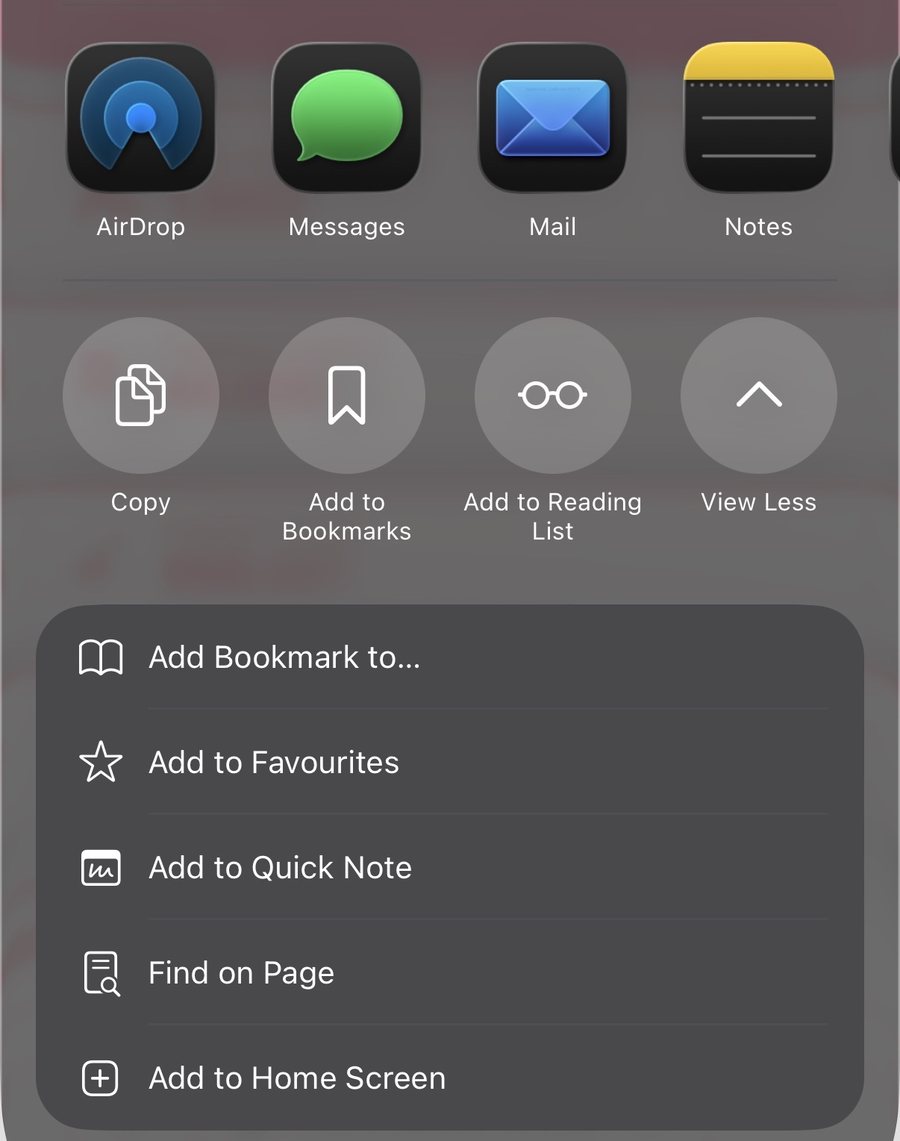
Tap the Share button, then choose Add to Home Screen from the iOS share sheet.
Review the app name, keep Open as Web App enabled, then tap Add.
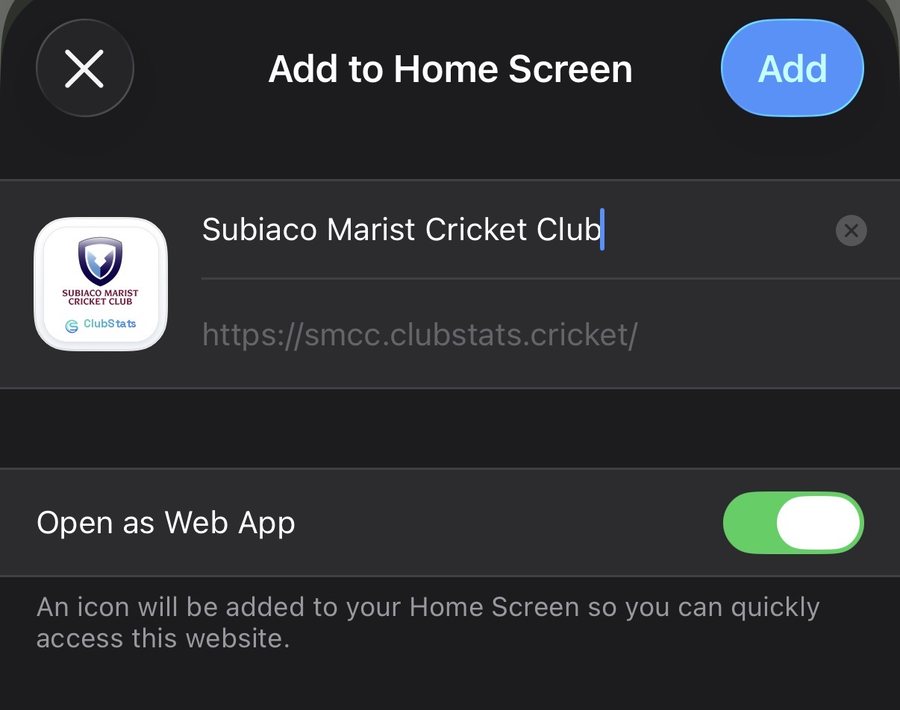
The club portal appears beside other apps with the club branding and ClubStats mark.
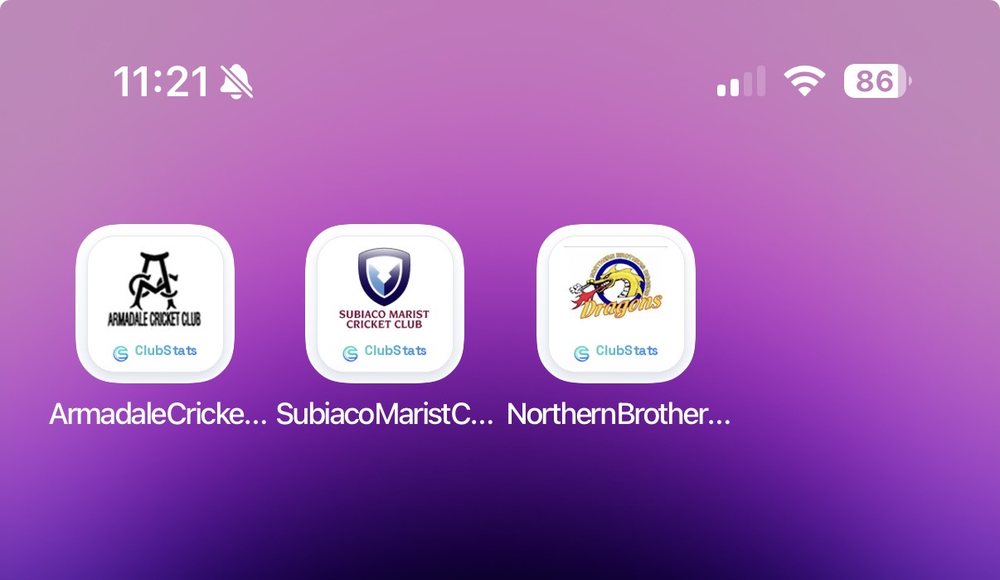
The installed ClubStats app is your club's public statistics portal. It opens from the iPhone Home Screen with your club branding and a ClubStats icon, then loads the same public dashboard your club shares with players, families, sponsors and supporters.
The app-style shortcut is designed for public club records: player profiles, search, leaderboards, comparison pages, honour boards, milestones and season records. Tenant admin remains separate and still requires the normal secure admin login.
Because it is powered by the live ClubStats website, clubs do not need to wait for an App Store update. Public improvements, new records and imported season data are available the next time the portal is opened or refreshed.
On iPhone, Safari gives the cleanest Add to Home Screen workflow. Open your club's ClubStats portal in Safari, tap the Share button, scroll to Add to Home Screen, confirm the name, and tap Add.
If you are browsing from Brave, Chrome or another iPhone browser, open the same club portal link in Safari first. iOS controls the Home Screen installation flow, and Safari is the most reliable path for installing the public ClubStats portal as a web app.
Once installed, the icon sits beside your other apps. Tapping it opens the club portal directly, without needing to search for the link or navigate from the main ClubStats marketing site.
Club members do not always remember a subdomain or know where the latest player profile, leaderboard or season page sits. A Home Screen app makes the public records portal easy to find after a game, at presentation night, during selection conversations or when sharing a milestone with a family member.
For clubs using ClubStats as a historical archive, the app shortcut also makes older records feel active again. Past players can look up their profiles, current players can compare seasons, and supporters can browse the club story from the phone they already use.
The installed portal is especially useful for clubs that promote their ClubStats site through QR codes, sponsor material, social posts or email updates. One scan can become a permanent app-style shortcut for the member.
ClubStats is a web app, so updates are delivered through the website rather than through the App Store. When the club imports new data, updates branding, enables a public feature or receives platform improvements, the installed Home Screen app loads the updated site.
If an iPhone appears to show an older version, closing and reopening the app or refreshing the page is normally enough. There is no separate version to download and no need for club members to manage manual app updates.
This keeps the app-style experience simple: install once, then keep using the same public ClubStats portal as the club's record grows.