 clubstats.cricket
Keep your club statistics current without exporting every CSV by hand.
Use manual PlayHQ or Play Cricket CSV imports when your club wants file-by-file control, or use tenant-approved automation to reduce the weekly import workload.
Quick Sync can fetch current Play Cricket statistics and complete clean imports. Auto Stats Import can run that workflow weekly, while Auto Match Import keeps configured scorecards and match context updated.
Built for public records, not hidden spreadsheets
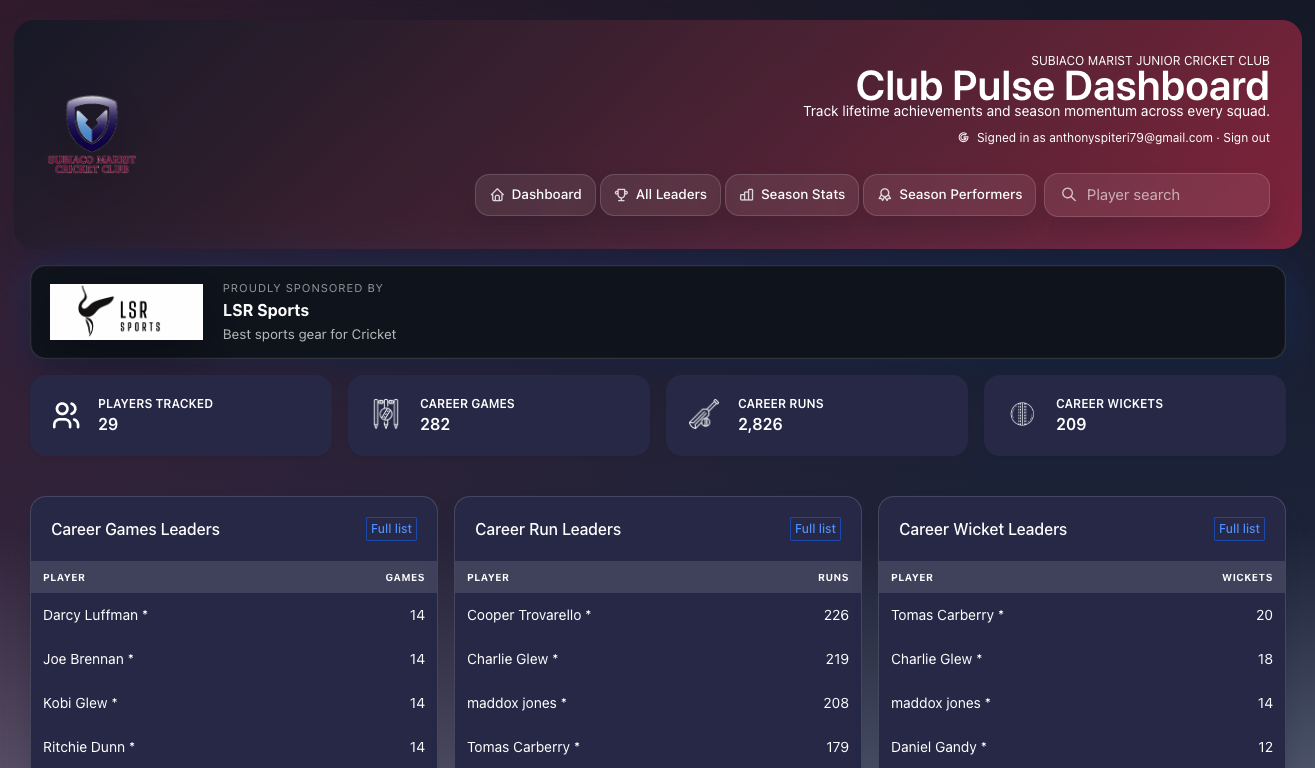
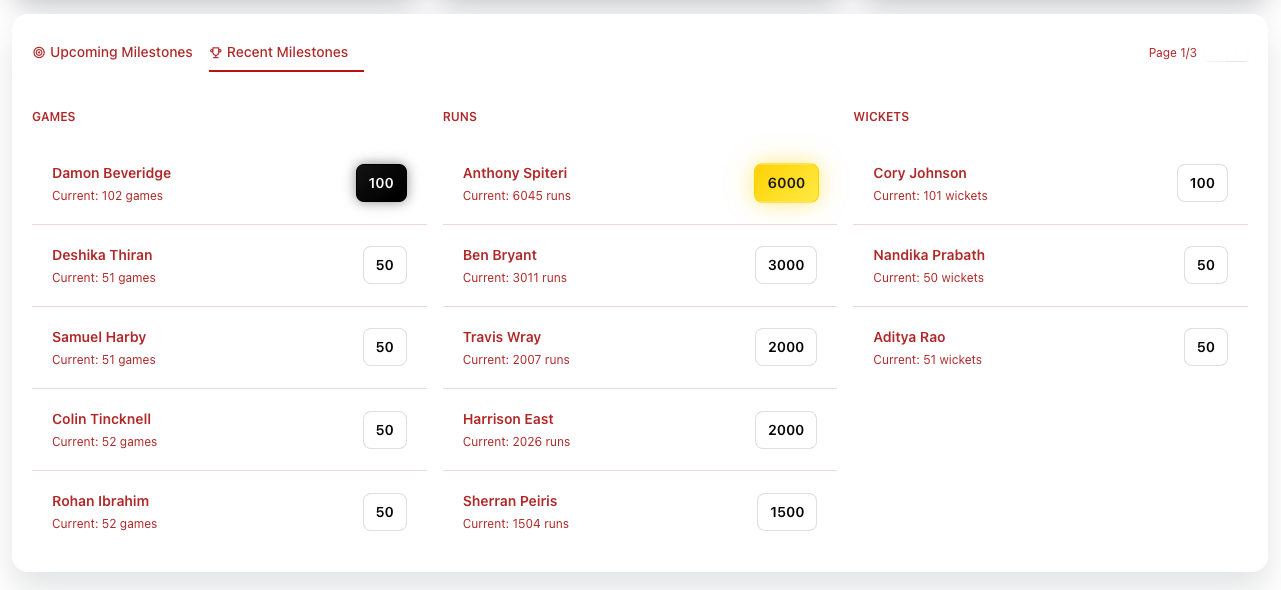
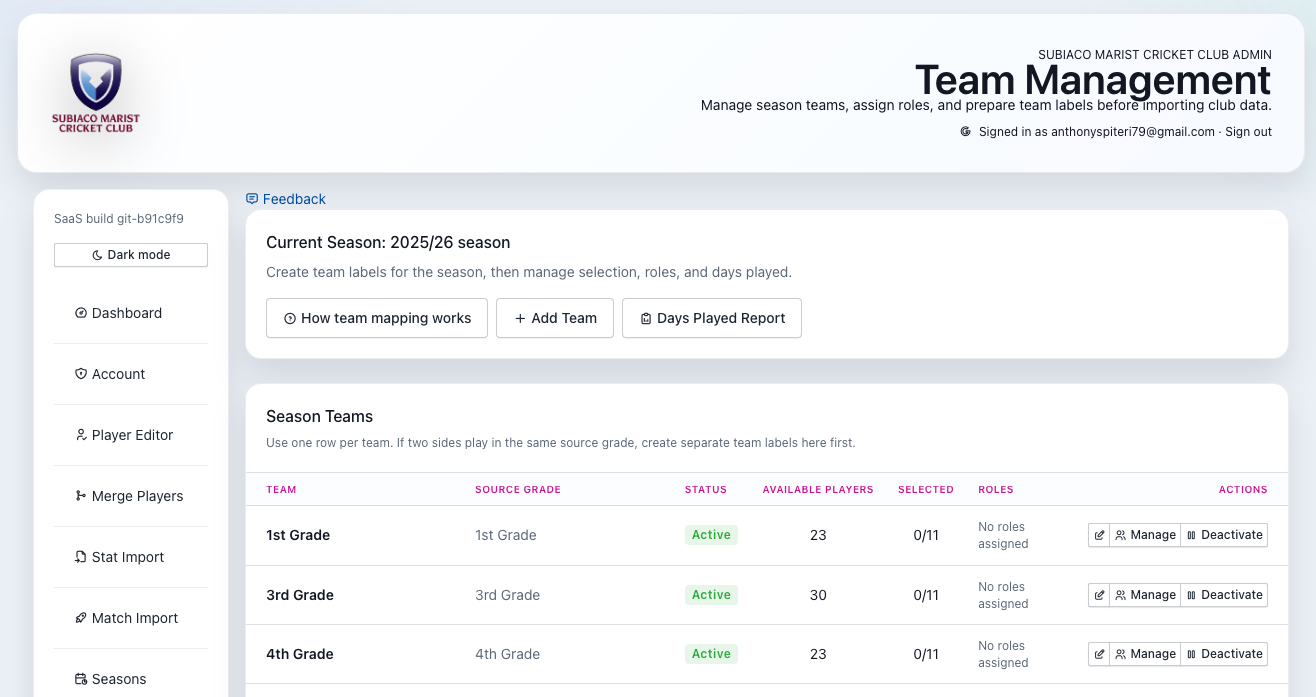
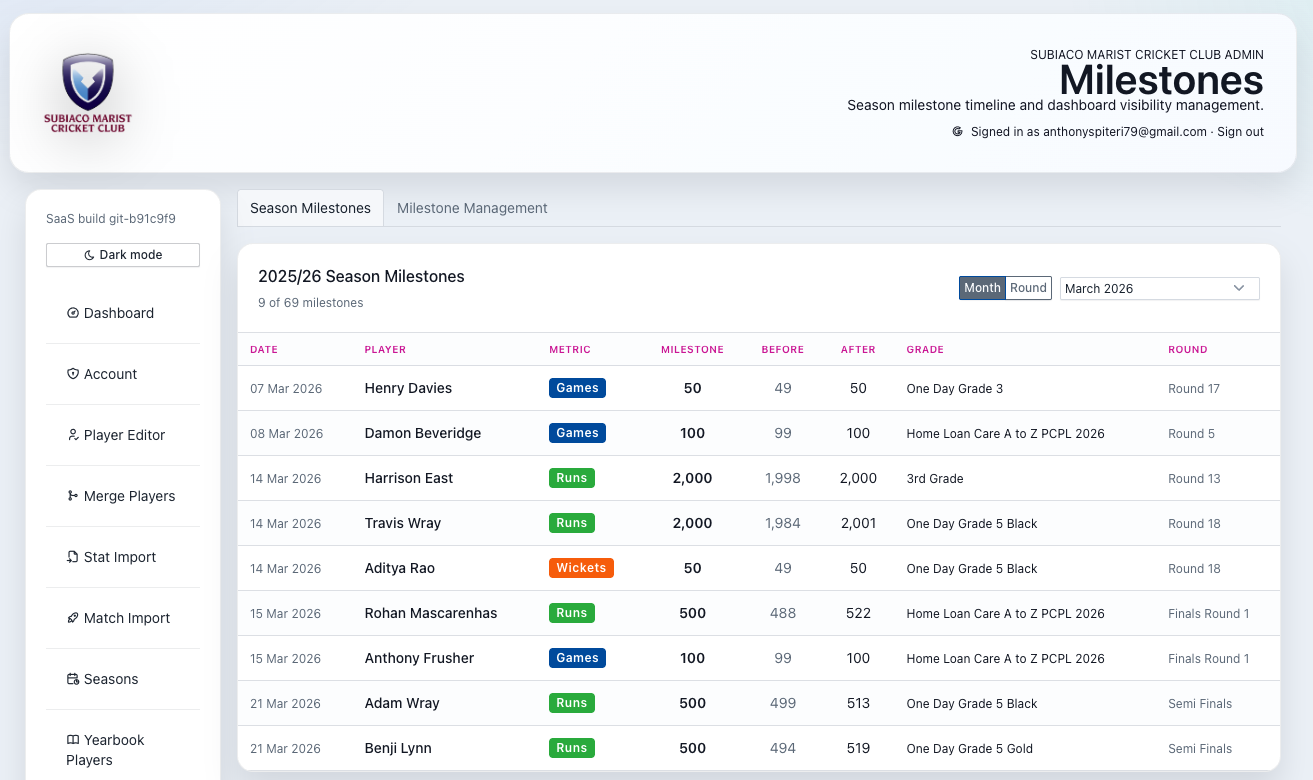
Four import paths, one reviewed club record
Manual CSV import remains available for PlayHQ and Play Cricket data. It suits a club that wants to choose each file and review every import from the beginning.
Fetch from Play Cricket removes the export step where the feature is enabled. The fetched statistics still pass through the same validation, team mapping, player matching and review workflow used for an uploaded file.
Historical migration is a separate service path for MyCricket-era exports, spreadsheets, yearbooks and older records. Historical imports are included as part of the ClubStats service.
Quick Sync handles the routine work without guessing
Quick Sync fetches every configured side, detects grades and maps teams in the background. When everything resolves cleanly, the import can continue without a volunteer clicking through every routine step.
If a team cannot be mapped safely, or a player may be a duplicate or identity conflict, Quick Sync pauses at that review step. Your club makes the decision; ClubStats does not invent a team or player match to keep the automation moving.
That gives a club the speed of automation while preserving the review controls needed for a trustworthy long-term record.
Auto Stats Import and Auto Match Import do different jobs
Auto Stats Import turns Quick Sync into a scheduled weekly workflow. A clean run can import automatically. If human review is required, the import waits and the configured club administrators can be notified.
Auto Match Import is the configured match-level workflow. It brings in new or updated scorecards so Club Records, match context, recent form, Career Arc, milestones and committee reporting can use current match data.
The two workflows complement each other: season statistics maintain the broader player totals, while match imports provide the detailed scorecard record.
Automation supports the features clubs now use every week
Current data feeds public player profiles, all-time and season leaderboards, milestones, Recent Form, Career Arc and the scorecard-based Club Records area.
Committees can use Team of the Round and other club reports, while authorised admins can use Match Editor, Games Ledger corrections and resync tools when a source result or imported record needs attention.
Honours Board can publish 1st XI Caps, Life Members and other club recognition. Branded match preview and result artwork helps turn the maintained record into useful content for players, members and sponsors.